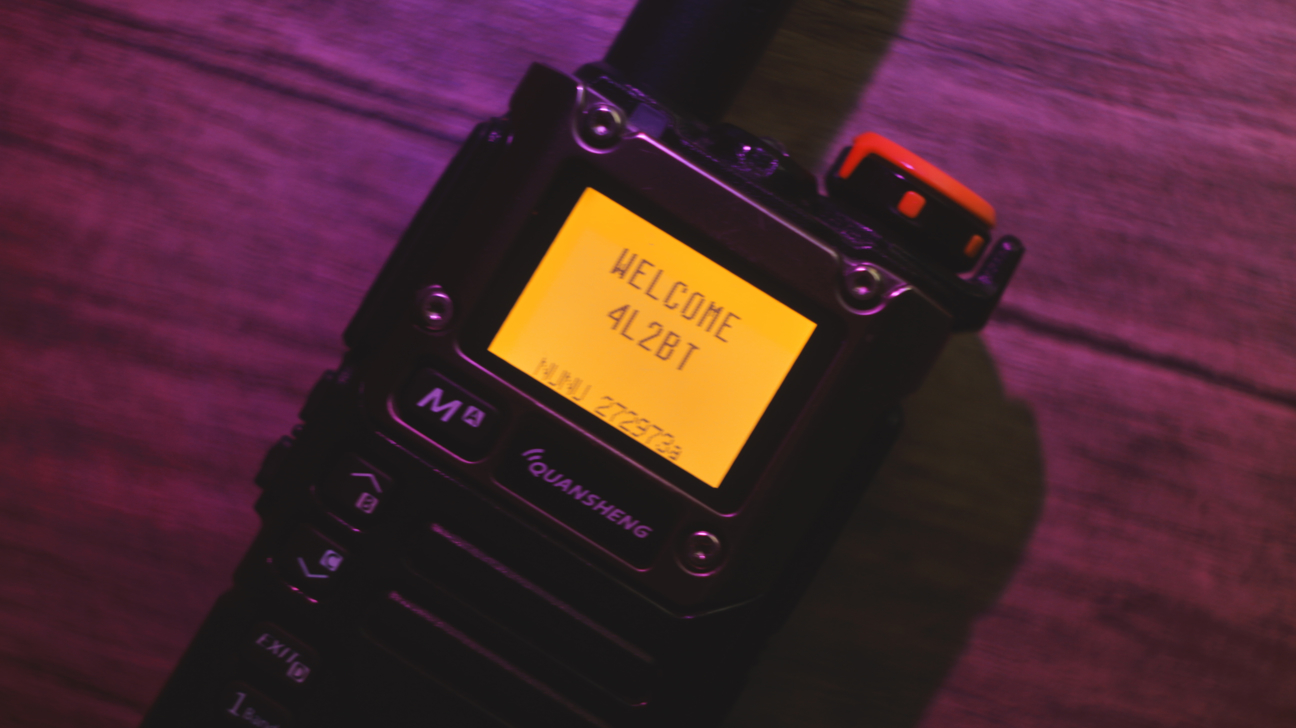
When you're first starting out with amateur radio, the simplest things tend to be some of the hardest. For a lot of people, navigating the menu systems of the widely popular Baofeng and Quansheng radios can be one of these difficult tasks. Fortunately, some people who are far more kind than us have spent time and effort crafting custom firmware for these radios that can be used by us free of charge, unlocking the full potential of our hardware.
This blog post serves to introduce those that are new to the wonderful world of custom firmware. As an example, we'll be using the Quansheng platform. This includes the widely popular UV-K5, UV-K6, and the brand new UV-K1.
What you'll need to flash firmware on your Quansheng is:
- Quansheng UV-K5/UV-K6/UV-K1 with stock firmware and at least one bar of battery.
- Any computer that has a USB port and is capable of connecting to the internet.
- A Kenwood K-1 style programming cable, typically the Baofeng branded cable is the easiest and cheapest to source.
After acquiring the necessary hardware, now comes the fun part: choosing the firmware. There's many different to choose from and it largely depends on what you want to use your radio for.
The most popular custom firmware is egzumer. It changes the menu system and makes it very coherent. It adds functionality that would not be possible with the stock firmware, however egzumer is no longer maintained and is outdated for all intents and purposes. A fork of egzumer called F4HWN is similar but adds extra functionality. This is the fan-favorite among the Quansheng community and most people will suggest it. I personally use a fork of egzumer that adds text messaging and more scan lists called NUNU, and it does the job for me.
⚠️ Before you flash any firmware on your Quansheng, make sure to remove the battery and inspect the serial number. You'll find a label that tells you which version of the hardware you're working with. For example, a "V2" label on the back indicates that you have the second version of the Quansheng hardware, "V3" the third version, and no version label indicates you have the first version. This is an important step to take, as flashing the incorrect firmware will brick your radio, rendering it unusable. This can only be reversed if you have saved the calibration files before you started the firmware flashing process.
With your firmware of choosing downloaded, the flashing process is as straightforward as ever. Put your Quansheng into flashing mode by holding down the transmit/PTT button while turning it on. You'll know that you're in flashing mode if the LED next to the antenna turns on. Connect your programming cable and, using the web-based UVTools, flash your firmware. After a short moment, your radio will reboot and you'll be able to use your Quansheng radio to it's full potential with your brand new firmware.